 Medic Musing Arts
Improvement Studio
QI charts, PDSA, training and ready-made reports for iPhone, iPad and Mac. Web version to follow.
Coming soon to the App Store
What it is
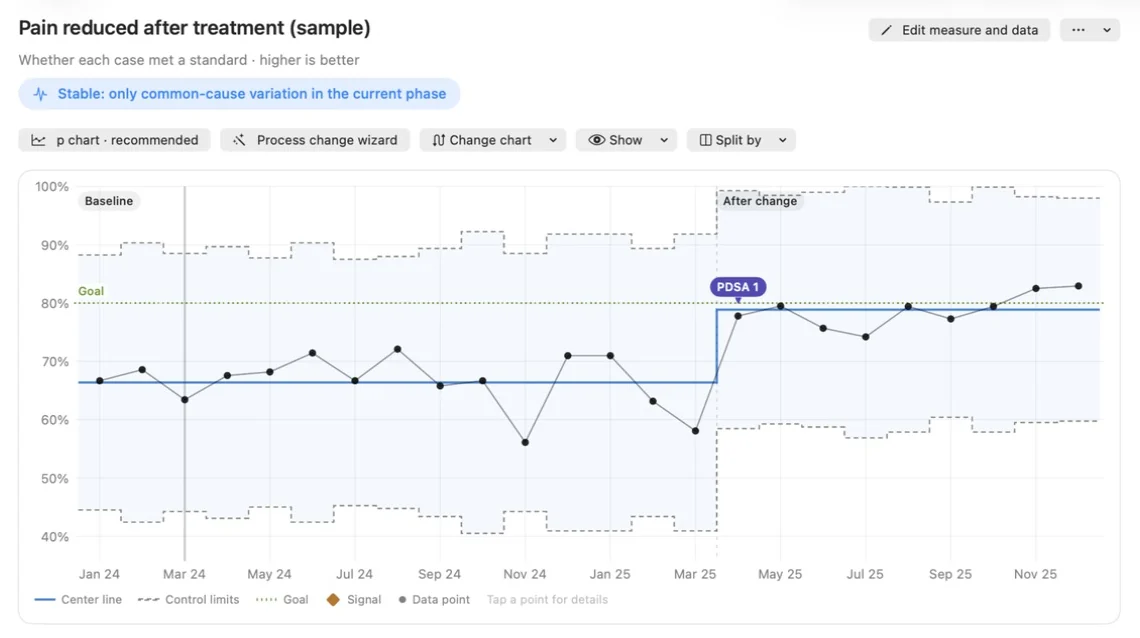
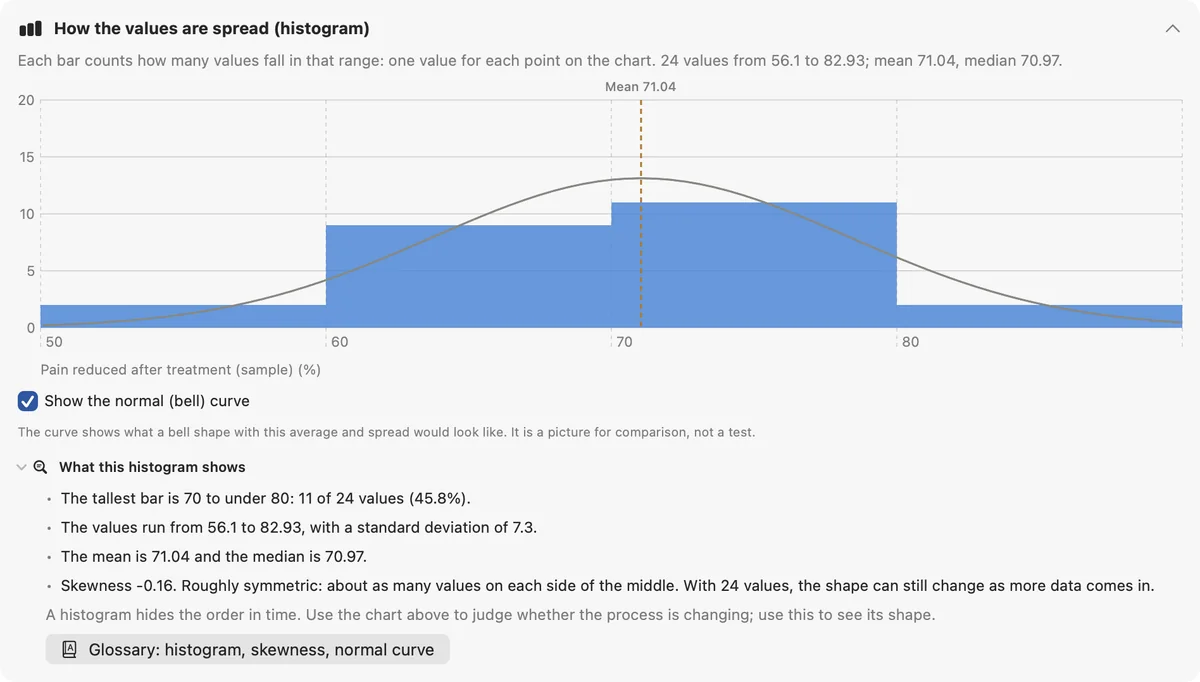
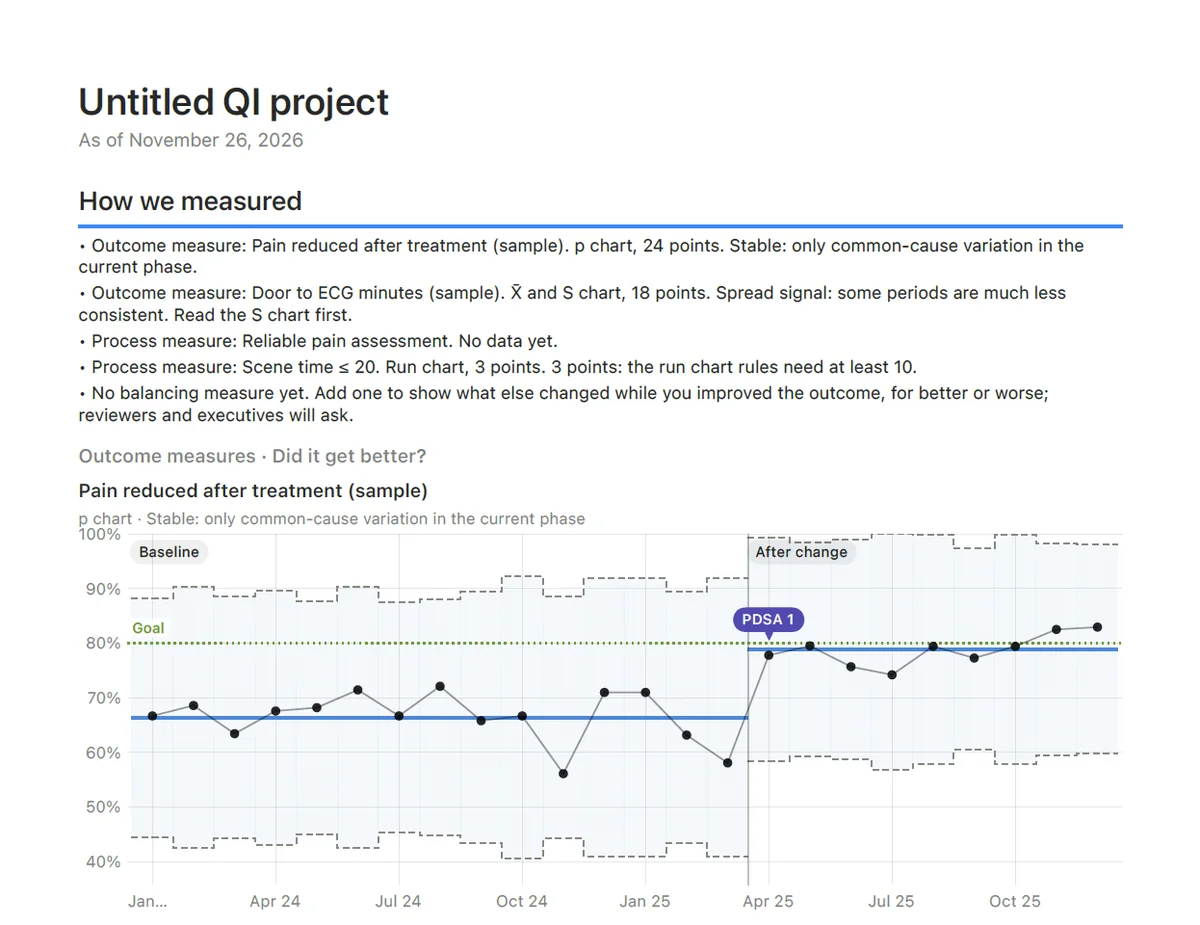
Improvement Studio helps healthcare teams run quality improvement projects. Enter or import a measure and it builds the right run chart or control chart, marks signals using the rules in The Health Care Data Guide (2nd ed., 2022), and explains what the chart shows in plain words. Your PDSA cycles, tools and storyboard stay together in one project file.
Why choose it
- It picks the chart for you. Describe the measure and it chooses the chart, then tells you which rules it applied.
- It shows the math. Every chart lists its formula, its numbers and the rule book it follows, and exports each point so you can check it elsewhere.
- It writes up your work. A storyboard, a slide deck you can open in PowerPoint, a PDF report and an abstract draft, built from the project you already did.
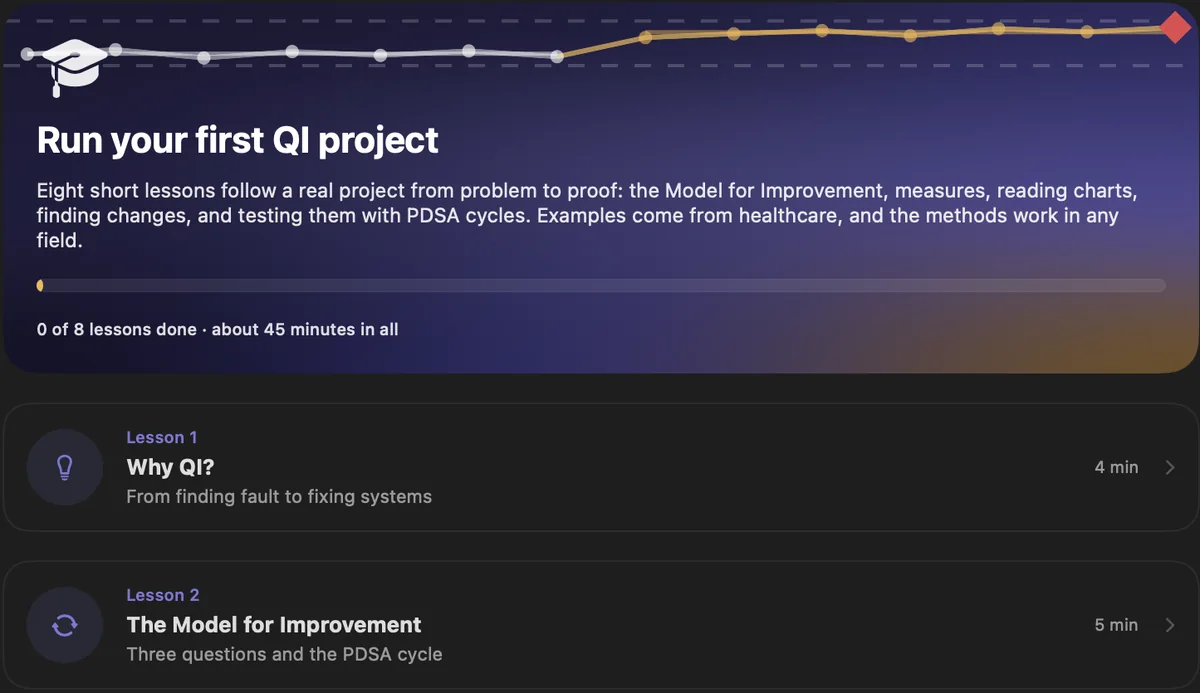
- It teaches as you go. Learn QI is eight short lessons that follow a project from problem to proof, in about 45 minutes. Tool names stay accurate and the explanations are plain.
- It runs on your own devices. No admin rights and no work-laptop install needed.
- Pay once. No account. Your data stays on your device or wherever you save it.
What's in it
- Run charts and control charts, with process changes, limit values and sigma zones
- PDSA cycles that record your predictions and show what the linked charts did
- QI tools such as Pareto charts, histograms, scatter plots and funnel plots
- A separate statistics section, including before and after tests and capability analysis
- A storyboard, slides, PDF and PowerPoint export, and an abstract draft
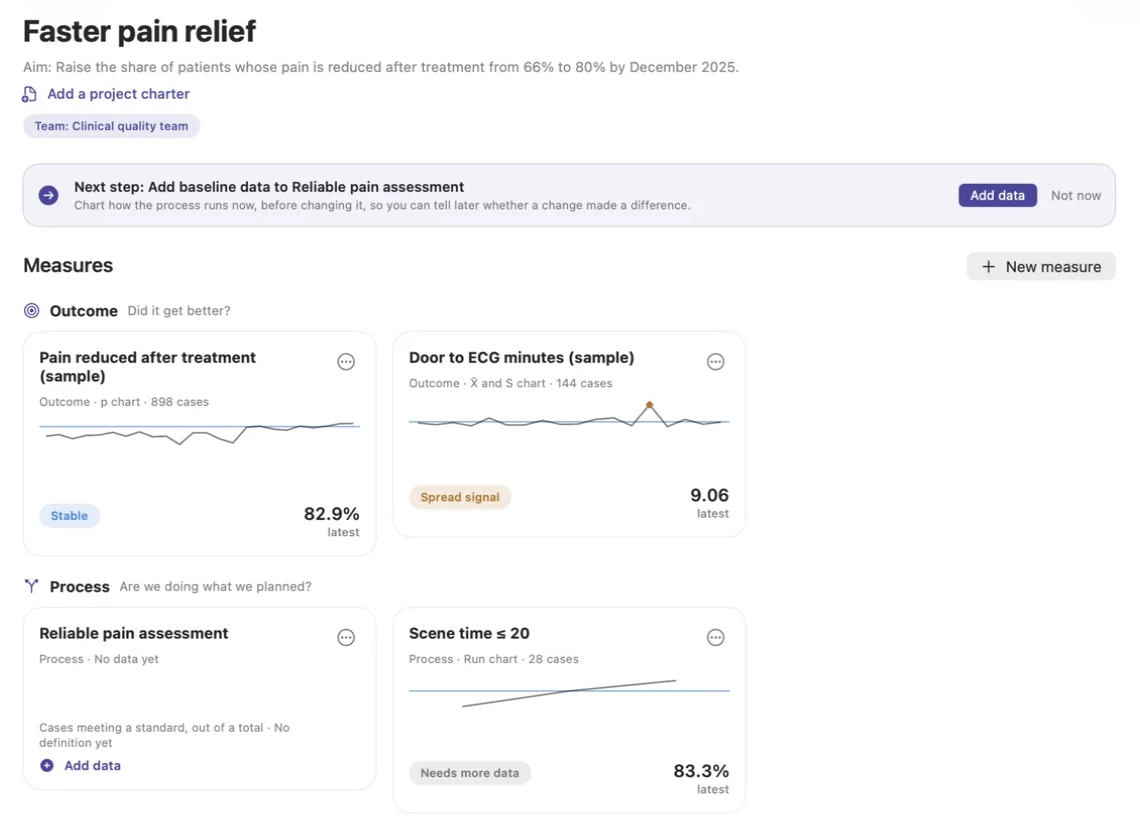
The iPad and Mac apps do the full project work. The iPhone app is a companion: see charts and reports, add new numbers, record observations and run PDSA cycles.
What's next
- Now: testing, and iCloud so a project opens on all your devices
- Then: the App Store release for iPhone, iPad and Mac
- Planned: AI assistance for wording and explanations, using the AI account you already have. It will be off until you turn it on, and it will never do the calculations.
- After release: a web version, so it also works in a browser on Windows and Android and on work computers that can't install apps
Want to hear when it is out, or have a tool you need? Write to medicmusingsupport@gmail.com.